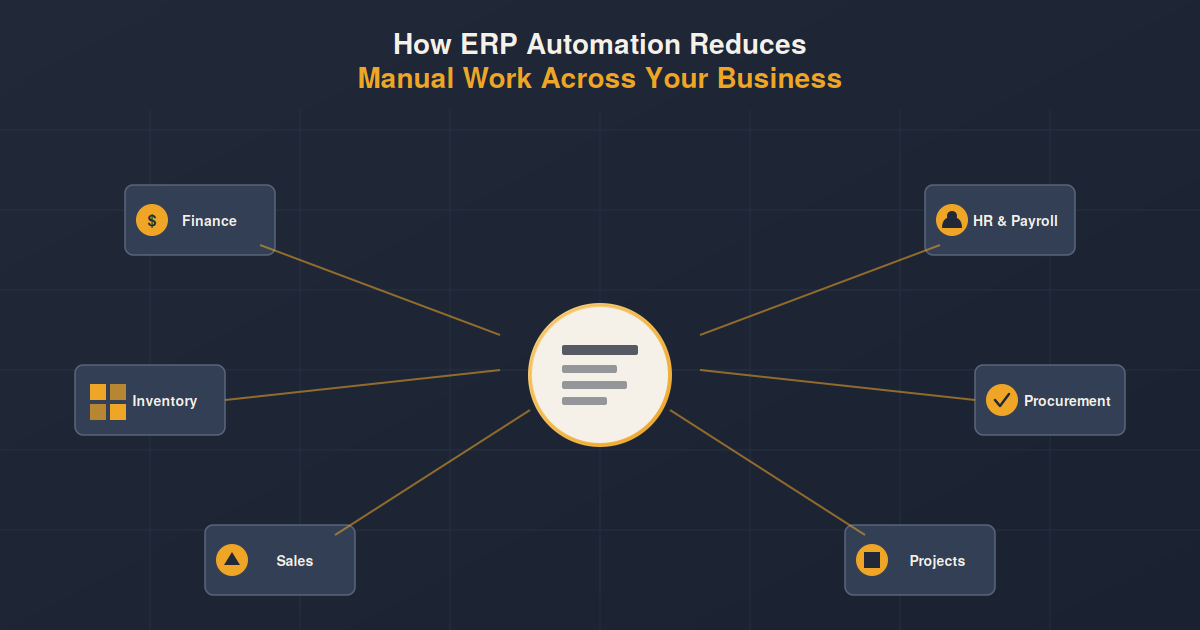
Businesses rely on multiple departments to keep daily operations running, from finance and HR to sales, inventory, procurement, and project management. However, when these departments depend heavily on spreadsheets, emails, paper records, and disconnected software, routine tasks can consume significant time and increase the risk of errors.
ERP automation helps businesses streamline these processes by connecting departments through a centralized system. Instead of repeatedly entering, checking, and transferring information manually, employees can automate routine workflows and access updated data from a single platform.
What Is ERP Automation?
ERP automation refers to using an Enterprise Resource Planning system to automate repetitive business processes and workflows. An ERP connects different functions of an organization, allowing information to move between departments without requiring employees to manually transfer data.
For example, when a sales order is confirmed, relevant information can automatically flow into inventory, accounting, procurement, and fulfillment processes. This reduces duplicate data entry while helping different teams work with consistent information.
How ERP Automation Reduces Manual Work
1. Automates Financial Processes
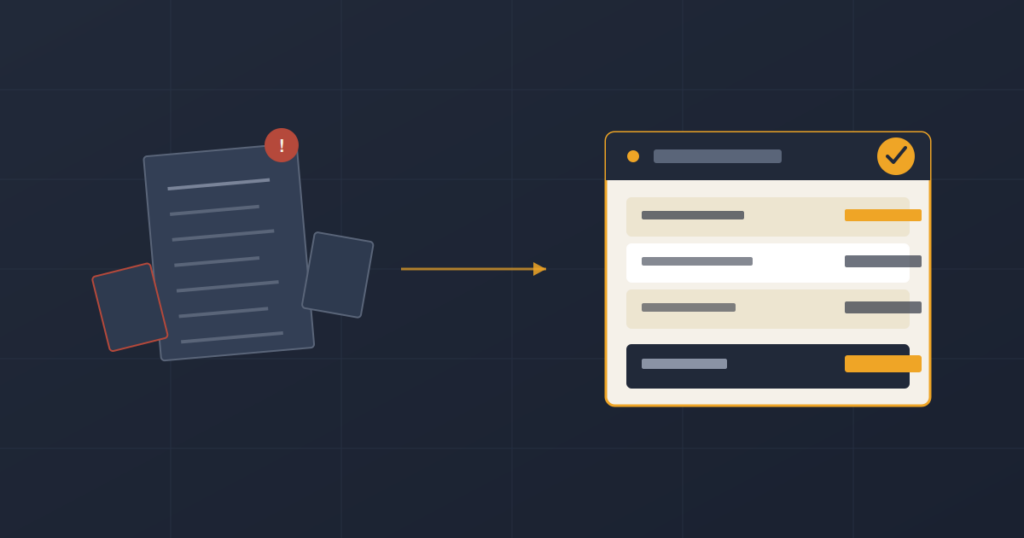
Finance teams often spend considerable time entering transactions, reconciling records, preparing invoices, and generating financial reports.
ERP automation can streamline activities such as:
- Invoice generation
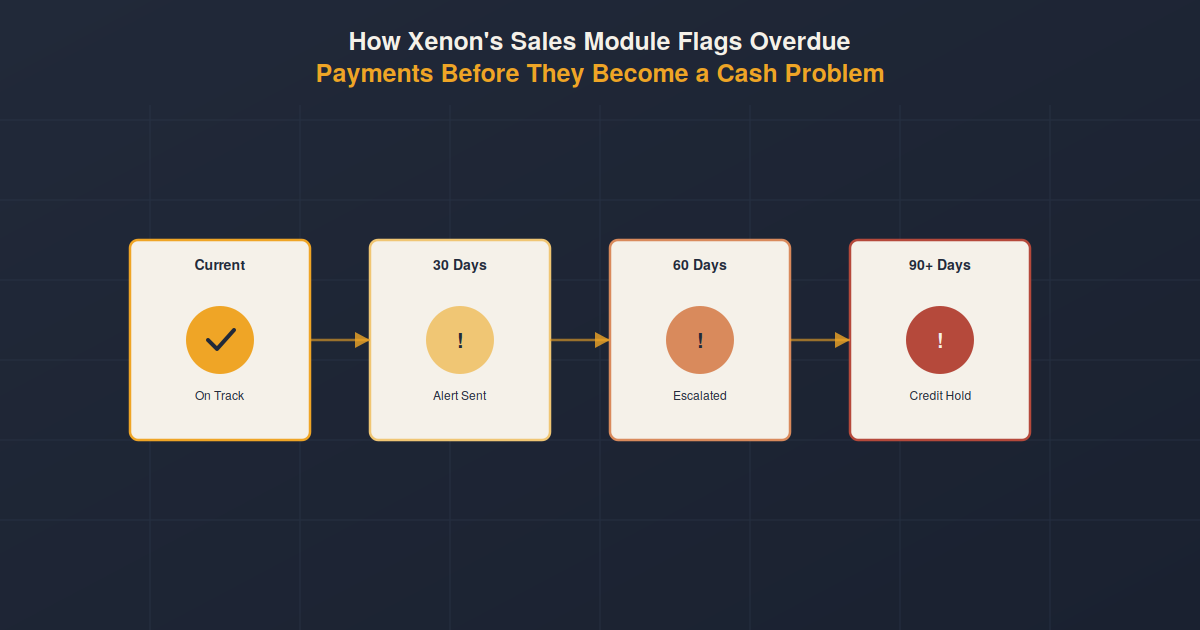
- Payment tracking
- Expense recording
- Account reconciliation
- Financial reporting
- Budget monitoring
With financial information connected to other business processes, transactions can be recorded as activities occur rather than being entered manually later.
This gives finance teams more time to focus on analysis, planning, and financial decision making.
2. Simplifies Inventory Management
Inventory management becomes increasingly difficult as businesses handle more products, warehouses, suppliers, and orders.
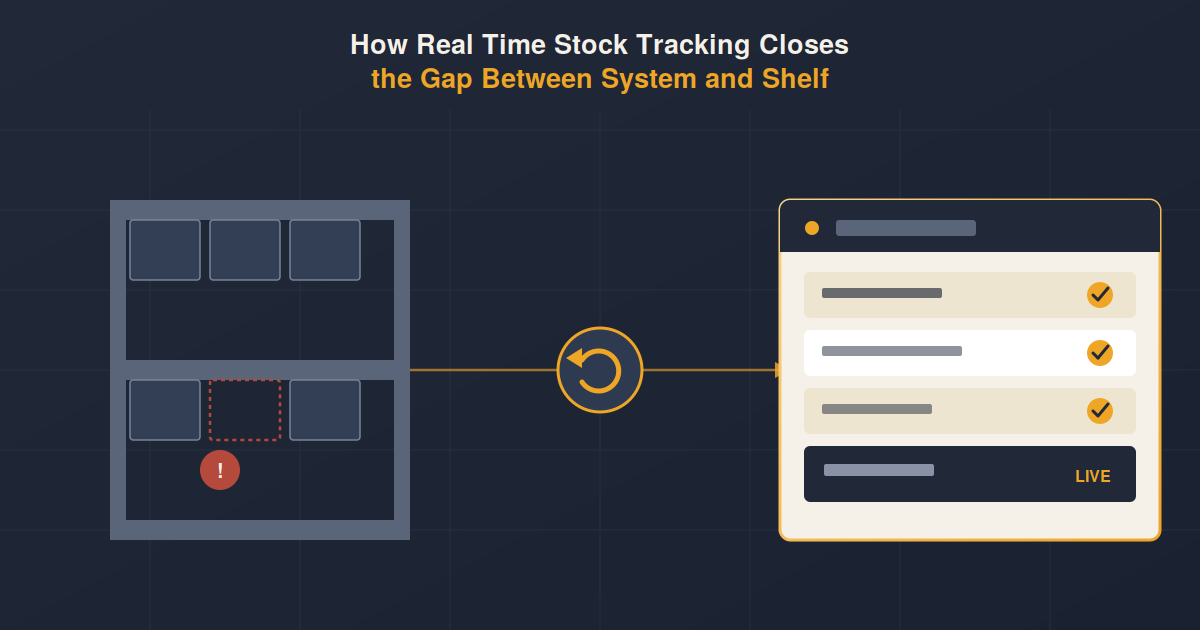
Without an integrated system, employees may need to manually update stock levels across spreadsheets or different applications. This can result in outdated inventory information and unnecessary administrative work.
ERP automation can help track:
- Stock movements
- Purchase orders
- Sales orders
- Warehouse transfers
- Reorder levels
- Product availability
When inventory information is updated automatically, employees can spend less time maintaining records and more time managing inventory effectively.
3. Streamlines Procurement
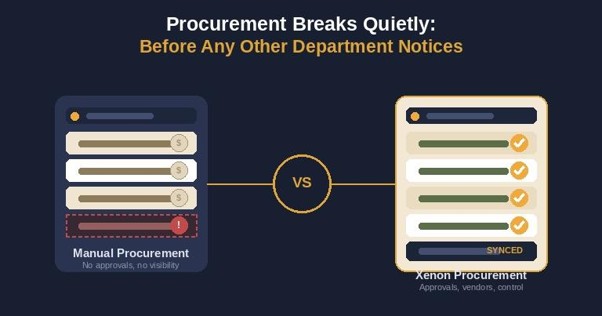
Procurement involves several repetitive activities, including purchase requests, supplier communication, purchase orders, approvals, and invoice matching.
An ERP system can automate approval workflows and standardize purchasing processes. For example, a purchase request can be automatically routed to the appropriate manager for approval before a purchase order is generated.
This reduces email-based communication and manual follow-ups while giving procurement teams better visibility into purchasing activities.
4. Reduces Administrative Work in HR
HR departments manage a wide range of employee information and recurring administrative processes.
ERP automation can simplify tasks such as:
- Employee record management
- Attendance tracking
- Leave requests
- Payroll processing
- Recruitment workflows
- Employee reporting
Instead of maintaining employee information across multiple files, HR teams can manage data through a centralized system.
Automated workflows can also ensure that routine requests reach the right person for approval without requiring HR staff to manually coordinate every step.
5. Improves Sales and Order Processing
Sales teams frequently coordinate with finance, inventory, and operations after receiving an order. When these departments use disconnected systems, employees may have to manually communicate order information and update records.
An integrated ERP can connect the sales process with inventory, accounting, and fulfillment.
Once an order is entered, relevant teams can access the information they need without repeatedly requesting or re-entering the same data.
This can help reduce processing time and minimize errors caused by duplicate data entry.
6. Makes Project Management More Efficient
Project-based businesses often need to track budgets, resources, expenses, timesheets, invoices, and project progress.
Managing this information manually can make it difficult to understand the actual financial performance of each project.
ERP automation can connect project activities with accounting and resource management. Expenses, employee hours, budgets, and billing information can be recorded within the same system.
This gives project managers better visibility while reducing the amount of manual reporting required.
7. Automates Approvals and Workflows
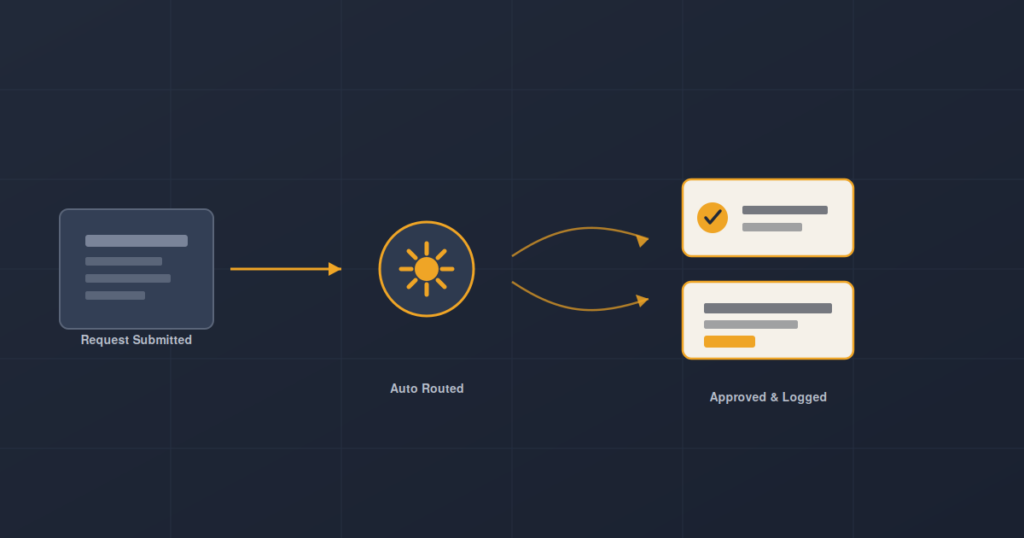
Many business processes depend on approvals. Employees may need managers to approve expenses, purchase requests, leave applications, budgets, or other transactions.
When approvals are handled through emails or paper forms, requests can easily become delayed or difficult to track.
ERP workflow automation can automatically route requests based on predefined rules. Managers can review and approve tasks while the system records the status of each request.
This creates a more structured process and reduces the need for manual follow-ups.
ERP Automation Reduces Duplicate Data Entry
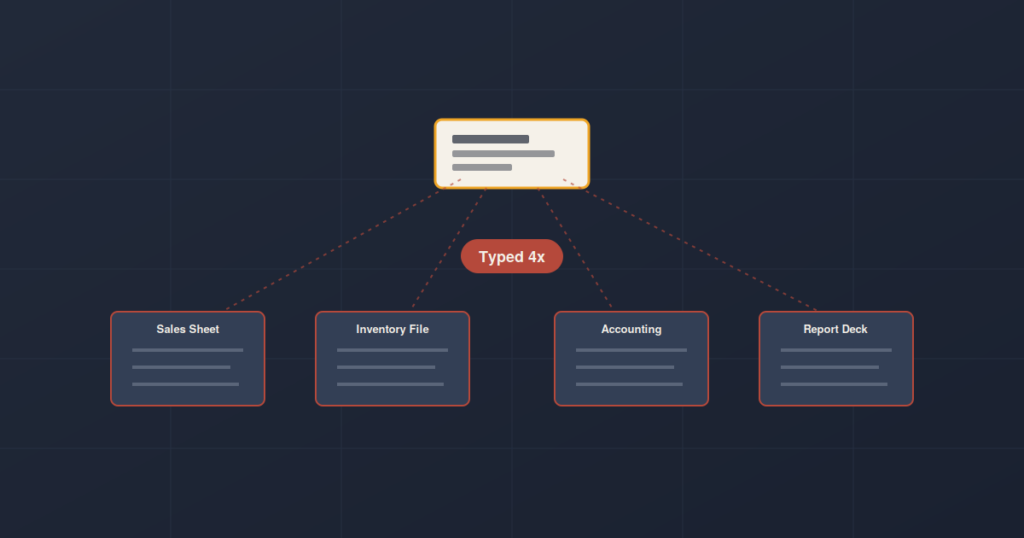
One of the biggest advantages of ERP automation is reducing repetitive data entry.
Consider a customer order. In a disconnected environment, employees may need to enter the same information into sales records, inventory files, accounting software, and reporting spreadsheets.
With an integrated ERP, the information can be entered once and made available to the relevant departments.
This not only saves time but also reduces the possibility of inconsistent or incorrect information across systems.
Better Data for Better Decisions
Reducing manual work is not only about saving employee time. It also improves the quality and availability of business information.
When data is automatically collected and updated across departments, management can access more consistent information for reporting and analysis.
For example, decision makers can gain better visibility into:
- Revenue and expenses
- Inventory levels
- Purchase activity
- Project profitability
- Employee information
- Customer orders
- Business performance
Instead of waiting for employees to compile information from different sources, managers can use centralized data to make decisions more efficiently.
ERP Automation Helps Employees Focus on Higher-Value Work
Automation does not necessarily mean replacing employees. Its primary value is reducing the amount of repetitive administrative work employees have to perform.
When routine processes are automated, employees can spend more time on activities that require judgment, problem solving, customer interaction, strategic planning, and analysis.
For growing businesses, this can also make it easier to scale operations without increasing administrative workloads at the same rate.
Why Businesses Need Integrated ERP Automation
Automation delivers the greatest value when different business functions are connected rather than automated in isolation.
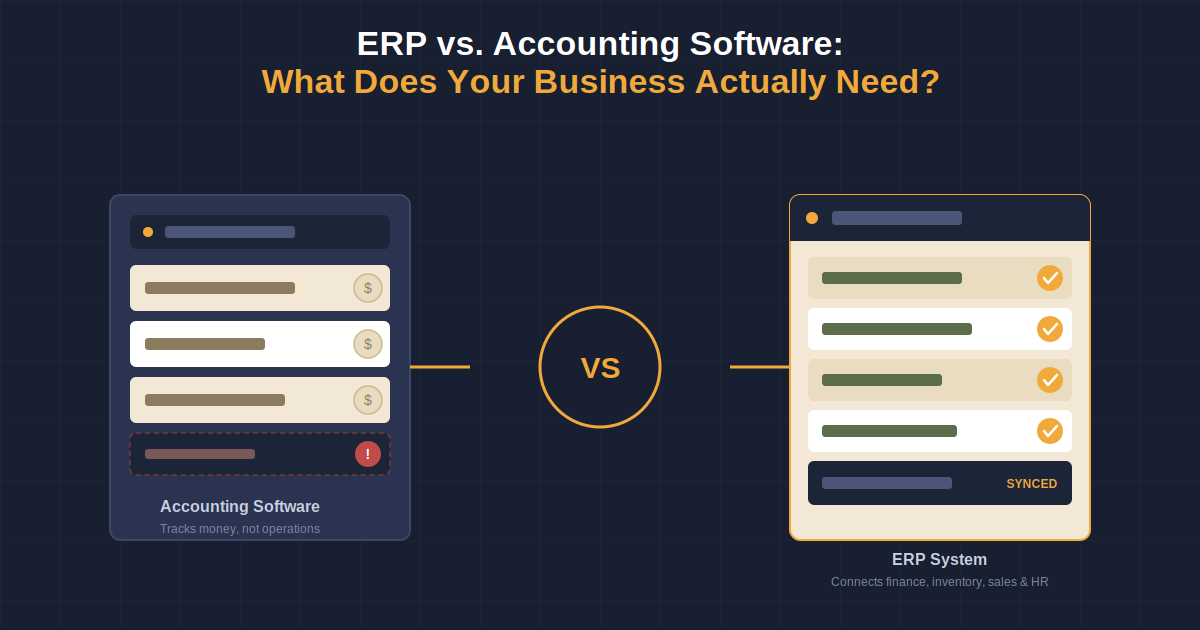
A finance automation tool may improve accounting processes, while an inventory system may improve stock management. However, an integrated ERP connects these processes so information can move between departments.
This creates a more connected operational environment where departments can work from the same data and follow standardized workflows.
Choosing the Right ERP for Your Business
Every organization has different processes, departments, and operational requirements. Therefore, ERP automation should be aligned with the way the business actually operates.
When evaluating an ERP system, businesses should consider:
- Which processes currently require the most manual work?
- Which departments need to share information?
- What repetitive tasks can be automated?
- Does the system support customizable workflows?
- Can the ERP scale with business growth?
- Does it provide centralized reporting and real-time visibility?
- Can different modules work together seamlessly?
The right ERP should not simply digitize existing manual processes. It should help businesses improve and standardize the way those processes work.
Final Thoughts
Manual processes can become a significant operational burden as a business grows. Repetitive data entry, approval requests, financial administration, inventory updates, and reporting can consume valuable employee time while increasing the risk of errors.
ERP automation provides a way to connect these processes and reduce unnecessary manual work. By integrating finance, HR, inventory, procurement, sales, and project management, businesses can create more efficient workflows and gain better visibility across their operations.
For businesses looking to improve productivity and scale efficiently, ERP automation can be an important step toward building a more connected and streamlined operation.
FAQs
1. What is ERP automation?
ERP automation uses an ERP system to automate repetitive business processes such as data entry, approvals, invoicing, inventory updates, payroll, and reporting.
2. How does ERP automation reduce manual work?
ERP automation reduces repetitive tasks by connecting business processes and allowing information to flow automatically between departments. This minimizes duplicate data entry and manual follow-ups.
3. Which departments can benefit from ERP automation?
Finance, HR, sales, procurement, inventory, project management, and operations can all benefit from ERP automation by streamlining routine processes and improving access to shared data.
4. Can ERP automation reduce business errors?
Yes. By reducing manual data entry and transferring information automatically between connected processes, ERP automation can minimize data entry mistakes, duplicate records, and inconsistencies.
5. Is ERP automation suitable for growing businesses?
Yes. ERP automation can help growing businesses standardize workflows, manage increasing amounts of data, and reduce administrative workloads without relying heavily on manual processes.