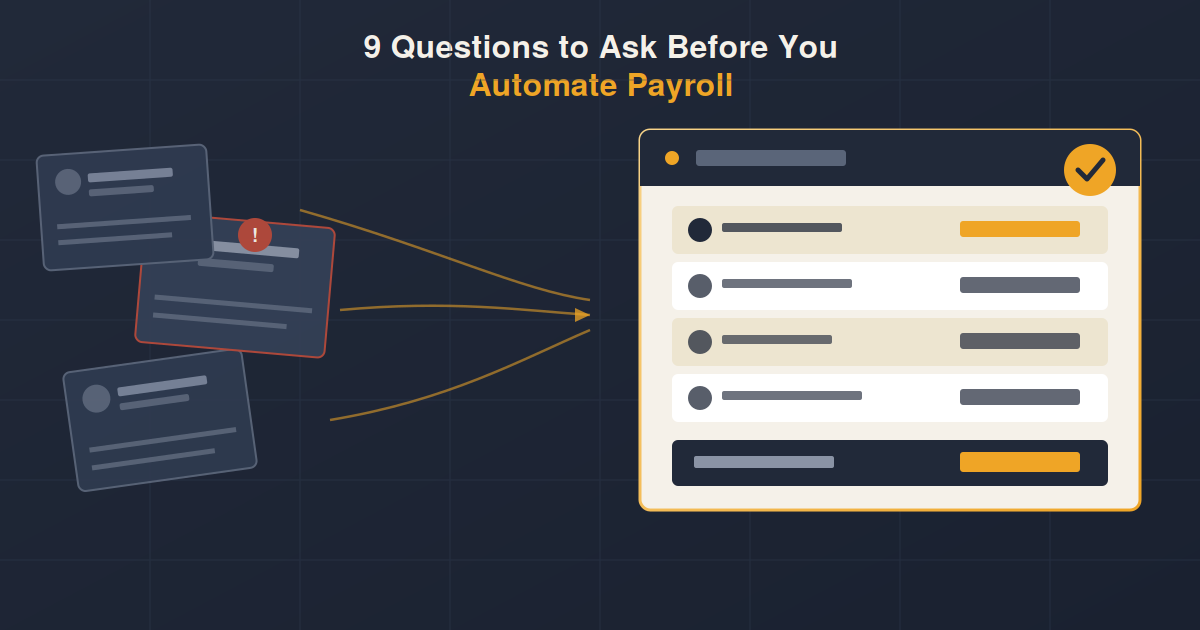
Automating payroll fixes some problems and exposes others. Ask these questions first, so you know exactly what you are solving for.
Most businesses do not decide to automate payroll because everything is going smoothly. They decide because something already broke. A salary went out late. A leave balance was wrong and an employee noticed before HR did. A person left and nobody else knew how their spreadsheet actually worked.
Automating payroll can fix all of that, but only if it is set up around how your business actually runs, not just plugged in and hoped for. The businesses that get the most out of it are the ones that ask a few honest questions first, about their own process, not just about the software.
Here are the 9 questions worth answering before you automate payroll, along with what your answers usually mean for how the switch should happen.
1 How Many Hours Does Payroll Actually Take Right Now
Before comparing software, it helps to know your actual baseline. Time how long it takes from the start of a payroll cycle to the moment salaries are disbursed and confirmed. Include the time spent collecting attendance data, calculating deductions, cross checking leave balances, and getting approvals.
Most HR teams underestimate this number because the work is spread across several days in small chunks rather than one long sitting. Once you add it up, it is usually a lot more than expected, sometimes a full working day or more per cycle.
2 Where Do Errors Usually Creep In
Every manual payroll process has a weak point. For some businesses it is attendance data that does not match what employees actually worked. For others it is leave balances that are calculated differently by different people. For others it is tax and deduction rules that get applied inconsistently month to month.
Naming the actual weak point matters, because automation solves different problems in different ways. If your errors come from attendance, the priority is a reliable attendance and biometric integration. If they come from leave calculations, the priority is a centralized leave engine with clear policy rules.
3 How Many Locations or Branches Need to Be Covered
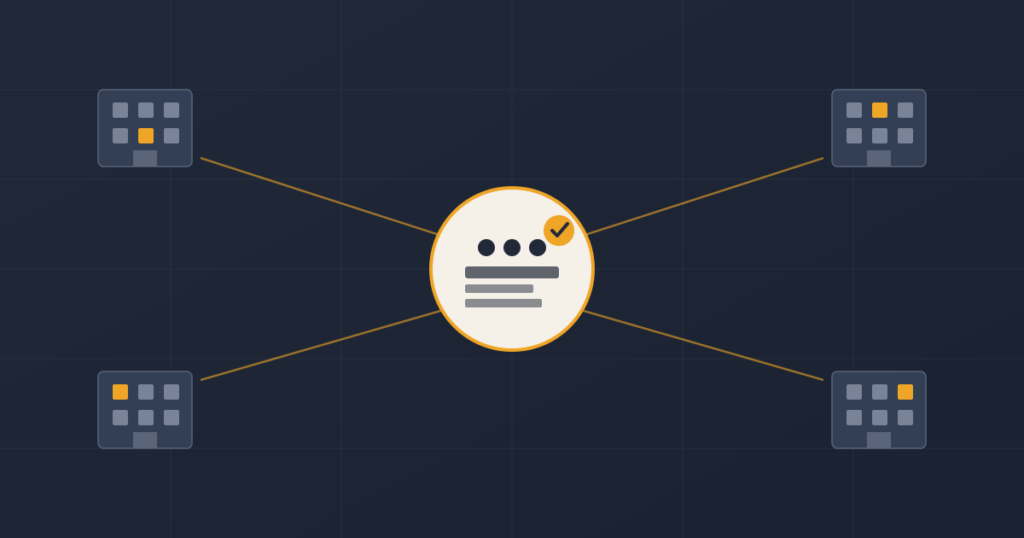
A single office running payroll for thirty people has different needs than a business managing staff across five branches in different cities. Multi site payroll means different attendance sources, sometimes different pay structures, and a head office that needs one consolidated view without manually merging files from each location.
If your business operates from more than one site, this should shape your automation decision early, not get bolted on later.
4 How Is Attendance Currently Being Tracked
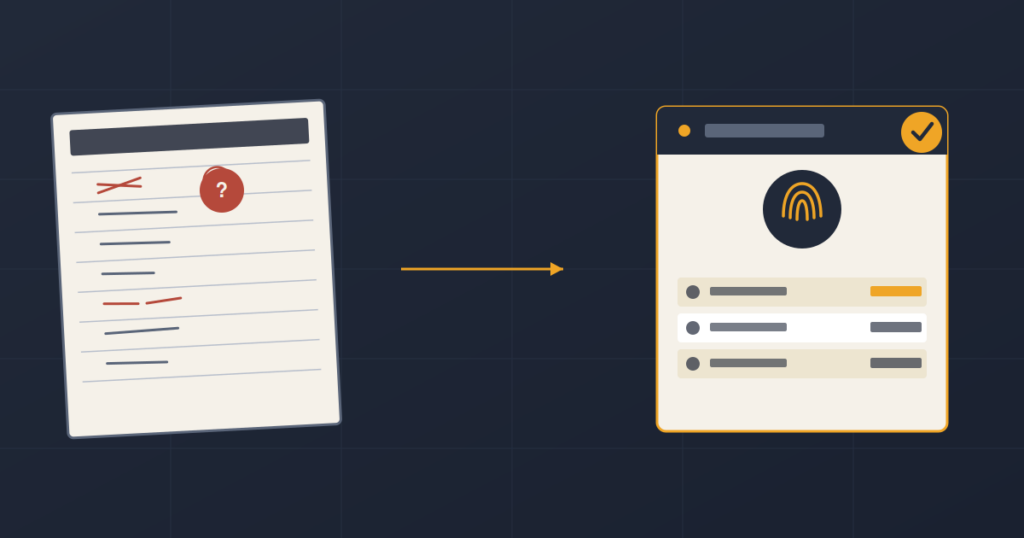
Payroll accuracy starts with attendance accuracy. If attendance is tracked on paper registers or basic spreadsheets, that is usually the first thing to fix, because every payroll error downstream traces back to unreliable attendance data.
Biometric devices, digital check ins, or app based attendance all feed cleaner data into payroll automatically, removing the manual step where errors usually get introduced.
5 How Are Leave Balances Calculated and Approved
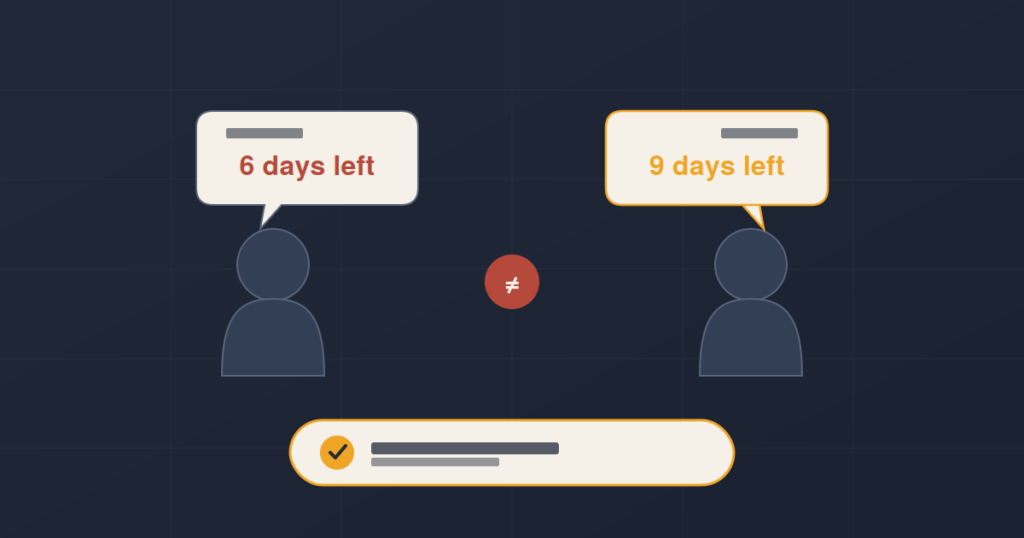
Ask who currently owns leave balance calculations, and what happens when two people disagree about a number. In manual systems, leave balances are often maintained in a spreadsheet that only one or two people fully understand, and disputes get resolved by digging through old records.
A centralized leave system removes the ambiguity. Balances update automatically, approvals happen in one place, and both the employee and the manager see the same number at the same time.
6 What Compliance and Tax Rules Does the System Need to Handle
Pakistani payroll involves specific requirements around income tax deductions, EOBI, provident fund contributions, and other statutory deductions depending on the business. A manual process usually handles this through templates that get updated by hand each time a rule changes, which is exactly where mistakes happen.
Before automating, list out every compliance requirement your payroll currently has to account for. This becomes the checklist for what the new system needs to support correctly from day one.
7 Can the System Scale With Your Headcount
A process that works for forty employees does not always work for two hundred. As headcount grows, so does the complexity of pay structures, departments, benefits, and approval chains. It is worth asking whether the system you are considering was actually built to handle that growth, or whether it will need to be replaced again in two years.
This is also where multi site functionality and flexible pay structures matter more than they seem to at a smaller size.
8 Who Needs Access, and From Where
Think through who actually needs to interact with the payroll system. HR needs full access. Managers usually need to approve leave and attendance for their own team. Employees increasingly expect to check their own payslips, leave balances, and attendance without emailing HR every time.
Cloud based access that works from a laptop, mobile, or tablet removes a lot of the back and forth that eats up HR time in manual setups, especially for teams working across multiple sites.
9 What Happens to Your Historical Data
Automating payroll does not mean starting from zero. Employee records, past leave history, and prior payroll runs usually need to move into the new system so reporting and continuity are not broken. Ask early how that migration would work, what data can be imported directly, and what would need to be manually reviewed.
Getting this answered up front avoids a scramble later, and it is one of the most common things businesses forget to plan for.
Quick Self Check
Payroll consistently takes more than a day to complete each cycle
Attendance is tracked manually or on paper
Leave balances have been disputed or corrected in the last few months
More than one branch or site needs to be covered
One person holds most of the knowledge about how payroll actually works
Employees regularly ask HR for payslips or leave balances directly
If you checked three or more, manual payroll is likely costing you more time than it feels like day to day.
Xenon ERP’s HRM and Payroll module has been implemented by businesses managing employees across multiple sites in Pakistan, moving them from manual registers and spreadsheets into a single, centralized system.
Manual Payroll vs Automated Payroll
| Area | Manual Process | Xenon HRM & Payroll |
|---|---|---|
| Attendance tracking | Paper registers or basic spreadsheets | Automated attendance, including biometric device integration |
| Leave management | Manually maintained, prone to disputes | Centralized leave balances with digital applications and approvals |
| Multi site payroll | Consolidated by hand across locations | Built in multi site functionality from one system |
| Access | Requests routed through HR manually | Employee and manager self service from any device |
| Compliance | Manually updated templates | Structured to align with tax and statutory requirements |
| Scalability | Breaks down as headcount grows | Designed for hire to retire management at scale |
Not sure where your payroll process actually stands?
Xenon’s team can walk through your current setup and show you exactly where automation would help most.Get a Free Payroll Assessment
What Xenon’s HRM and Payroll Module Actually Covers
Xenon ERP manages the complete hire to retire cycle from one system, built to handle businesses with employees across multiple sites without extra manual work at head office.
Hire to Retire Cycle
Manage employee data from onboarding through to exit, all in one place.
Multi Site Management
Track employees, benefits, and salary details across different locations from a single system.
Automated Attendance
Attendance and late arrivals are recorded automatically, including biometric device support.
Centralized Leave Management
Digital leave applications, accurate balances, and faster approvals for managers.
Payroll Processing
Flexible payment options and multi currency support built for how payroll actually runs.
Cloud Access
Employees and managers can access the system from laptops, mobiles, or tablets.
See the full breakdown on the HRM and Payroll module page.
What Implementation Actually Looks Like
Moving from manual payroll to an automated system usually follows a similar path. It starts with a review of your current process and compliance requirements, followed by mapping and importing historical employee and leave data. From there, the system is configured to match your actual pay structures and approval chains, the team is trained, and the new system goes live alongside a support period to catch any issues early.
Businesses that go through this process with a clear answer to the 9 questions above tend to have a smoother transition, because the system is being built around their actual process instead of a generic template.
Frequently Asked Questions
How long does it take to automate payroll for a small or mid sized business?
Timelines depend on headcount and complexity, but the general process includes requirement review, data migration, configuration, training, and go live, with support continuing after launch.
Does automating payroll mean losing our historical employee records?
No. Historical data is mapped and imported as part of onboarding, so past records and continuity are preserved rather than lost in the switch.
Can Xenon handle payroll for employees across multiple branches?
Yes. The HRM and Payroll module includes multi site functionality, so employee data, attendance, and salary details across different locations can be managed from one system.
Do we need biometric devices to automate attendance?
No, but biometric integration is supported and reduces the risk of attendance disputes compared to manual sign ins.
What happens if our pay structures are complex or vary by department?
Xenon’s payroll module is built to be flexible, supporting different pay structures, benefits, and approval workflows across departments and sites.
Will employees be able to check their own payslips and leave balances?
Yes. Employees and managers can access the system from a laptop, mobile, or tablet, reducing the number of requests routed manually through HR.
Is this suitable for a business that is still relatively small?
Yes. The system is designed to scale, so it works for smaller teams now and continues to support the business as headcount grows.
How does automated payroll help with tax and statutory compliance?
Deductions and statutory requirements are structured into the system, reducing the manual, template based updates that often lead to compliance errors.
Final Thoughts
Automating payroll is not really about the software. It is about understanding where your current process breaks down, and making sure whatever you move to actually fixes that, instead of just moving the same problems into a new interface. The 9 questions above are the ones worth sitting with honestly before making the switch.
If most of your answers point to the same weak spots, attendance, leave, multi site consolidation, or compliance, that is usually a clear sign of where to start.
Related Reading
- Finance & Accounting Module Overview
- ERP Software Cost in Pakistan: Complete 2026 Breakdown for SMEs
- 9 Questions to Ask Before Buying ERP Software in Pakistan
Ready to see what payroll looks like without the manual work?
Book a free demo and walk through your own payroll process on Xenon ERP.
Book a Free Demo