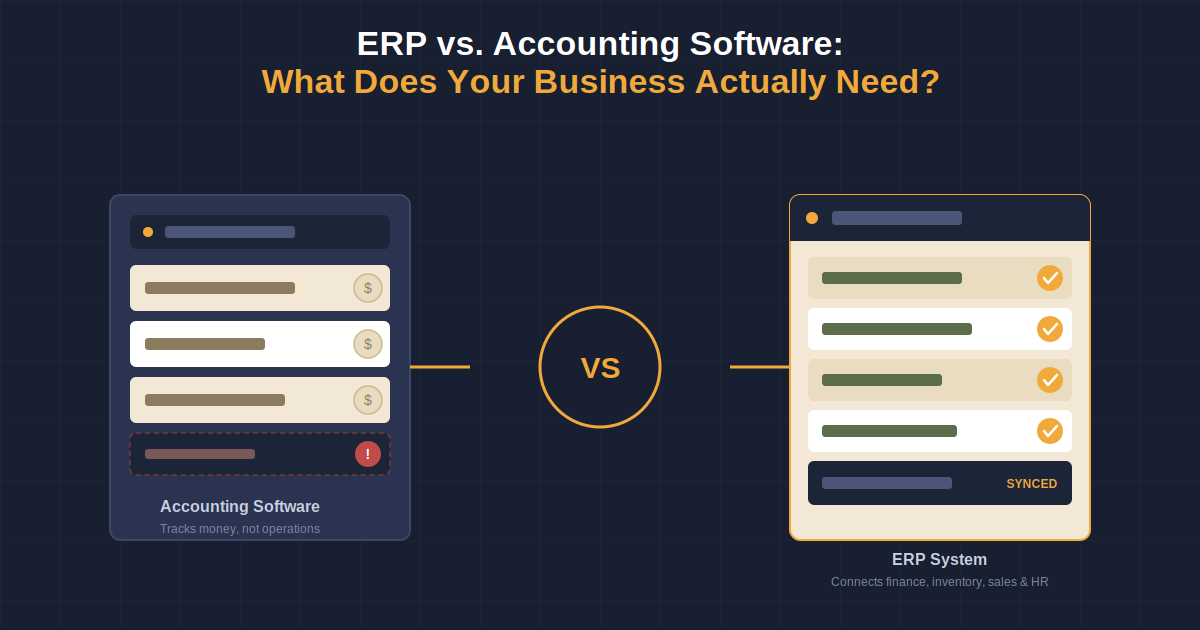
Businesses often start with accounting software because their first priority is straightforward: manage finances, track expenses, send invoices, record transactions, and generate financial reports.
But as a business grows, financial management rarely remains isolated from the rest of the organization. Inventory affects purchasing. Projects affect costs. Employees affect payroll. Recruitment affects workforce planning. Sales affect revenue and stock. Suddenly, finance teams may find themselves collecting information from multiple systems, spreadsheets, and departments just to understand what is happening across the business.
This is where the question of ERP vs. accounting software becomes important.
Accounting software is primarily designed to manage financial activities. ERP software, on the other hand, connects financial management with broader business operations through an integrated system.
But does every business need ERP?
Not necessarily.
The right choice depends on the size, complexity, workflows, departments, and growth plans of your business. Understanding the difference can help you avoid investing in software that is either too limited for your needs or unnecessarily complex.
What Is Accounting Software?
Accounting software is designed primarily to manage a company’s financial activities.
It helps businesses record, organize, and report financial information without relying entirely on manual bookkeeping or spreadsheets.
Typical accounting software features include:
- General ledger management
- Accounts payable
- Accounts receivable
- Invoicing
- Expense tracking
- Bank reconciliation
- Payroll
- Financial reporting
- Tax-related records
- Budgeting and financial analysis
For a small business with relatively straightforward operations, this may be everything the company needs.
For example, a small consulting company with a few employees may primarily need to manage invoices, expenses, salaries, payments, and financial reports. There may be little reason to implement a comprehensive ERP system if the company’s operational requirements are simple.
Accounting software is therefore not an inferior option. It is simply designed for a narrower purpose.
What Is ERP Software?
ERP stands for Enterprise Resource Planning.
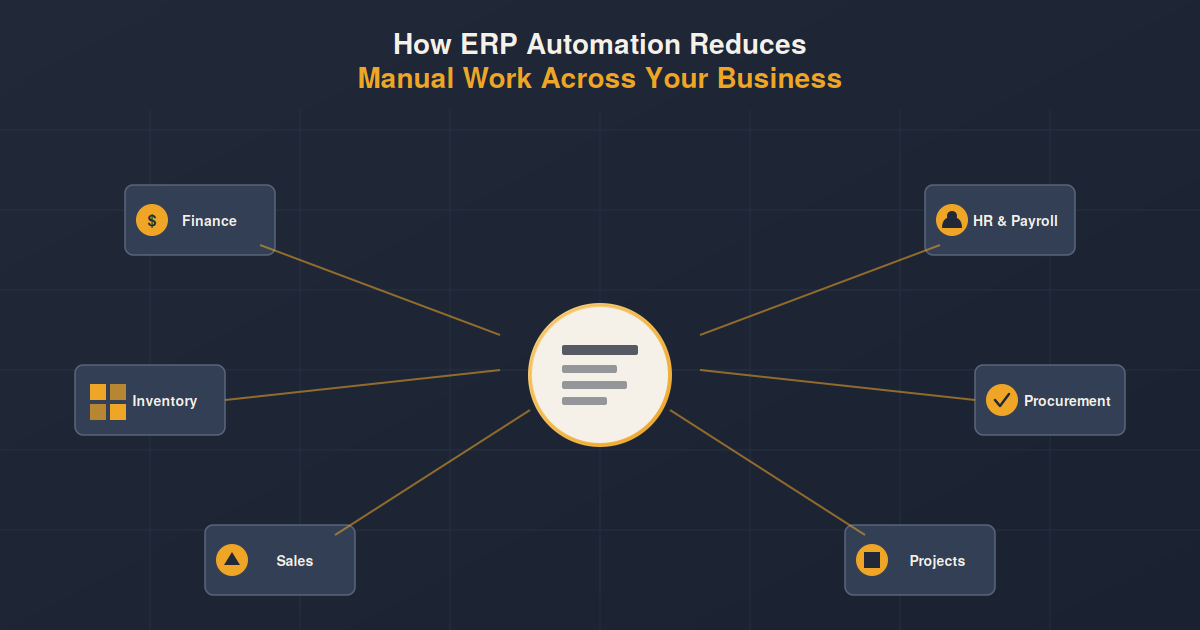
ERP software goes beyond financial management by connecting different areas of a business within a centralized system. Depending on the platform, this can include finance, inventory, procurement, projects, HR, payroll, sales, supply chain, and other operational functions.
The main advantage is connectivity.
Instead of different departments maintaining separate records, an ERP system can allow them to work with connected business data.
For example, consider a company that sells products.
A customer order can affect:
- Inventory availability
- Purchasing requirements
- Sales records
- Accounts receivable
- Revenue reporting
- Customer information
In a disconnected environment, different teams may need to update separate systems.
With an integrated ERP system, these processes can be connected within a broader workflow.
This is one of the biggest differences between ERP and accounting software: accounting software primarily records financial activity, while ERP connects financial activity with the operational activities that create it.
ERP vs. Accounting Software: The Key Difference
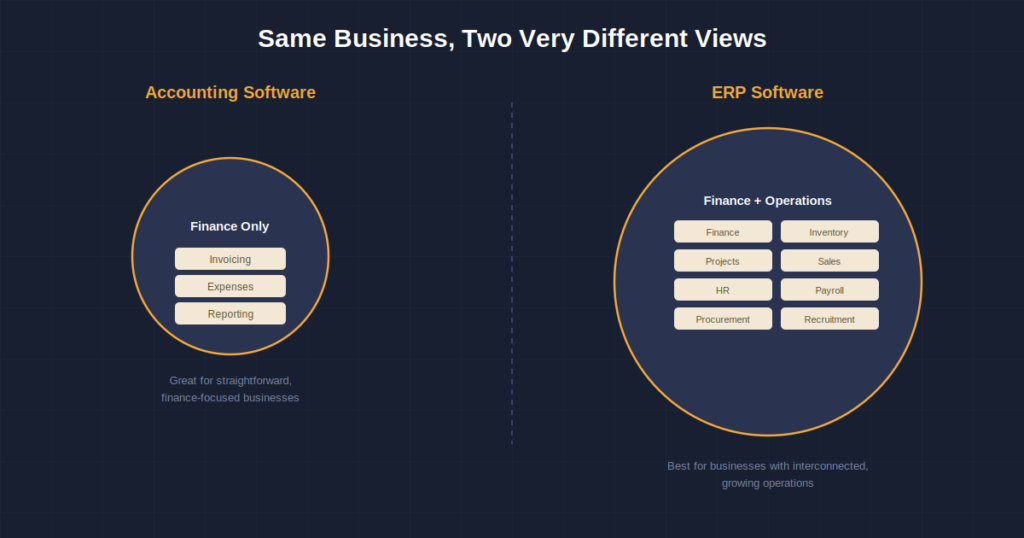
The simplest way to understand the difference is to look at the scope.
| Area | Accounting Software | ERP Software |
|---|---|---|
| Primary purpose | Financial management | Integrated business management |
| Accounting | Yes | Yes |
| Invoicing | Yes | Yes |
| Financial reporting | Yes | Yes |
| Inventory management | Limited or optional | Typically integrated |
| Project management | Limited or optional | Can be integrated |
| HR management | Limited or optional | Can be integrated |
| Recruitment | Usually limited | Can be integrated |
| Payroll | Often available | Often integrated |
| Procurement | Limited | Typically supported |
| Cross-department data | Limited | Centralized/integrated |
| Operational reporting | Limited | Broader |
| Best suited for | Finance-focused businesses | Businesses with interconnected operations |
The important point is that ERP is not simply “better accounting software.”
It solves a broader business problem.
Accounting Software Is Finance-Focused
Accounting software is built around financial transactions.
Its main purpose is to answer questions such as:
- How much revenue did we generate?
- What expenses did we incur?
- Who owes us money?
- Who do we owe money to?
- What is our cash position?
- What are our financial results?
- What are our outstanding invoices?
For businesses with straightforward operations, these capabilities can be enough.
The problem starts when financial information depends heavily on data sitting outside the accounting system.
For example, a project-based company may want to know why a project is becoming less profitable.
The accounting system may show the financial result, but the business may also need information about:
- Employee hours
- Project expenses
- Project budgets
- Resource allocation
- Purchase costs
- Billing
- Project progress
If this information is scattered across different tools, spreadsheets, or departments, getting a complete picture becomes more difficult.
ERP Connects Finance With Operations
ERP software takes a broader approach.
Instead of treating accounting as an isolated department, ERP connects financial information with the processes that drive it.
Consider inventory as an example.
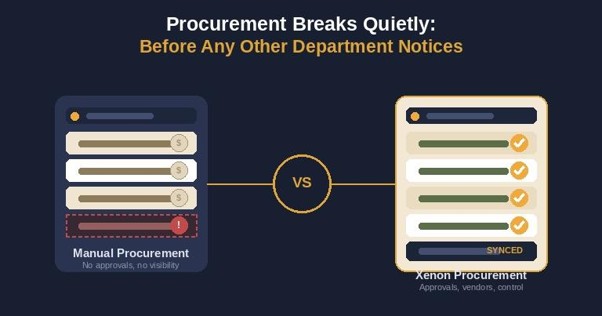
With standalone accounting software, the finance team may record purchases and sales while inventory information is maintained somewhere else.
With an integrated ERP system, inventory, purchasing, sales, and financial information can be connected.
This gives businesses greater visibility into how operational activity affects financial performance.
The same principle applies to projects.
Project costs can be connected with accounting information to help management understand whether projects are staying within budget and generating expected returns.
This connected approach is particularly valuable as organizations become more complex.
7 Major Differences Between ERP and Accounting Software
1. Business Scope
Accounting software primarily focuses on financial processes.
ERP software covers a broader range of business processes.
A business using accounting software may still need separate platforms for:
- Inventory
- HR
- Recruitment
- Project management
- Procurement
- Payroll
- Sales
ERP can bring many of these functions together within a connected environment.
2. Data Management
Accounting software generally focuses on financial data.
ERP works with financial and operational data.
This distinction becomes important when management needs information from multiple departments.
For example, a manager may want to know:
“Which projects are profitable, what resources are being used, and how are those projects affecting our overall financial performance?”
Answering this question becomes easier when project and financial data are connected.
3. Reporting
Accounting software provides financial reporting such as:
- Profit and loss statements
- Balance sheets
- Cash flow reports
- Accounts receivable reports
- Accounts payable reports
ERP can extend reporting into operational areas.
Businesses can potentially analyze:
- Inventory performance
- Project profitability
- Employee costs
- Procurement activity
- Department performance
- Financial performance
- Operational trends
This broader visibility can help management make decisions based on information from across the organization.
4. Automation
Both accounting software and ERP systems can automate repetitive tasks.
However, ERP automation can extend across departments.
For example, a business may automate workflows involving:
- Purchase approvals
- Inventory updates
- Payroll processing
- Project cost tracking
- Employee records
- Recruitment processes
- Financial reporting
The benefit is not simply fewer manual tasks. It is reducing the need for employees to repeatedly move information between disconnected systems.
5. Integration
Accounting software can integrate with other applications, but businesses may still end up managing several separate systems.
ERP is designed around broader integration between business functions.
A centralized system can help reduce data duplication and provide departments with access to shared information.
This is particularly important when multiple teams depend on the same business data.
6. Scalability
A small business may be perfectly comfortable with accounting software.
But growth can introduce complexity.
The company may add:
- More employees
- More customers
- More projects
- More inventory
- More locations
- More departments
- More transactions
At this point, maintaining separate systems can become increasingly difficult.
ERP becomes more valuable when business growth creates interconnected operational requirements.
7. Decision-Making
Accounting software primarily helps businesses understand their financial position.
ERP can provide a broader view of what is driving that financial position.
For example:
Accounting software:
“Revenue decreased this month.”
ERP:
“Revenue decreased because sales dropped in one region, inventory availability affected order fulfillment, and two major projects were delayed.”
The second view gives management more context for making decisions.
When Is Accounting Software Enough?
Not every business needs an ERP system.
Accounting software may be sufficient when:
- The business has straightforward operations.
- Financial management is the primary requirement.
- There is limited inventory.
- Project management requirements are simple.
- Most departments do not require shared operational data.
- The business operates with a relatively simple organizational structure.
- Financial reporting does not require information from multiple operational systems.
- Current workflows are manageable without extensive automation.
For these businesses, implementing a full ERP may introduce unnecessary cost and complexity.
The goal should not be to buy the most powerful software available.
The goal should be to choose software that matches the business.
When Should a Business Consider ERP?
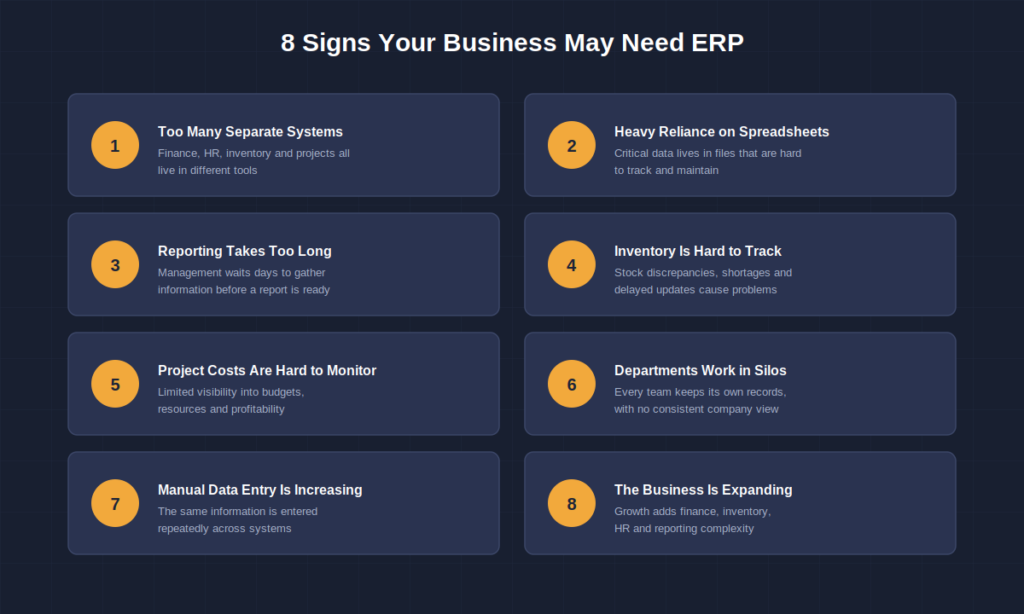
ERP becomes more relevant when operational complexity starts affecting productivity, reporting, and decision-making.
Some common signs include:
1. Your Teams Use Too Many Separate Systems
If finance, HR, inventory, projects, and management all use separate systems, employees may spend considerable time transferring or reconciling information.
2. You Rely Heavily on Spreadsheets
Spreadsheets can be useful, but they can become difficult to manage when multiple departments depend on them for critical business information.
3. Reporting Takes Too Long
If management has to wait days for teams to collect information before preparing a report, the business may benefit from more integrated data.
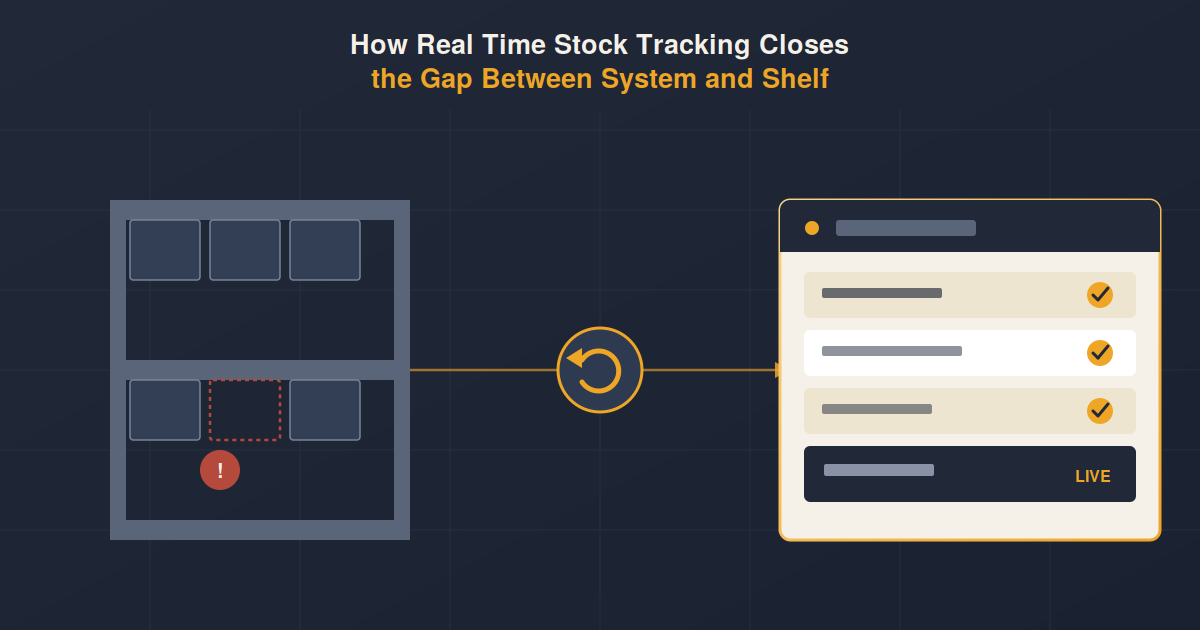
4. Inventory Information Is Difficult to Track
Inventory discrepancies, stock shortages, overstocking, and delayed updates can create operational and financial problems.
5. Project Costs Are Difficult to Monitor
Businesses managing multiple projects may need better visibility into budgets, expenses, resources, and project profitability.
6. Departments Work in Silos
When every department maintains its own information, management may struggle to establish a consistent view of the business.
7. Manual Data Entry Is Increasing
Repeatedly entering the same information into different systems increases workload and creates opportunities for errors.
8. The Business Is Expanding
Expansion does not automatically mean a company needs ERP.
However, growing operations often create more complex requirements around finance, inventory, employees, projects, purchasing, and reporting.
That is when an integrated system can become increasingly valuable.
ERP vs. Accounting Software: Which One Does Your Business Need?
There is no universal answer.
A business should first identify the problem it is trying to solve.
If your main challenge is bookkeeping, invoicing, expenses, and financial reporting, accounting software may be enough.
If your challenge involves disconnected departments, operational data, inventory, projects, HR, recruitment, payroll, and cross-functional reporting, ERP may be the better fit.
A useful way to think about it is:
Accounting software helps you manage the financial side of your business.
ERP helps you connect the financial and operational sides of your business.
The decision should therefore be based on business complexity rather than simply company size.
What Should You Consider Before Choosing ERP Software?
Before investing in an ERP system, evaluate more than just the feature list.
Consider:
Business Requirements
Identify which departments and processes need to be connected.
Scalability
Choose a system that can support your expected growth instead of only solving today’s problems.
Integration
Check whether the platform can connect the business functions and systems that matter to your organization.
User Experience
Employees need to actually use the system. A powerful ERP that is difficult to understand can create adoption problems.
Reporting
Evaluate whether the system provides the reports and visibility management actually needs.
Security and Access Control
Business systems contain sensitive financial, employee, customer, and operational information. Appropriate access controls and permissions are important.
Implementation
Consider data migration, employee training, process changes, integrations, and ongoing support before making a decision.
Why Integrated ERP Matters for Growing Businesses
Growth creates more than additional revenue.
It creates more data, more employees, more transactions, more processes, and more dependencies between departments.
A business that manages these areas through disconnected tools may eventually spend more time coordinating information than using it.
An integrated ERP system can provide a centralized environment where departments work with connected information.
That can help businesses reduce duplicate data entry, improve visibility, streamline workflows, and make information more accessible for decision-making.
The objective is not simply to replace multiple software tools with one platform.
The objective is to create a more connected way of managing the business.
Why XENON ERP?
When your business needs more than basic accounting, XENON ERP provides an integrated platform designed to support important business functions from one system.
XENON ERP includes capabilities for:
- Inventory Management to help businesses manage stock and inventory-related processes.
- Project Accounting to provide greater visibility into project-related financial activity.
- HR Management to organize employee information and HR processes.
- Recruitment to support hiring and candidate management.
- Payroll to streamline payroll-related processes and employee compensation management.
Instead of managing critical business functions across disconnected tools, businesses can use XENON ERP to bring key processes into a more connected environment.
Final Thoughts
The choice between ERP vs. accounting software should not come down to which system has more features.
It should come down to what your business actually needs.
If your business primarily needs financial management, accounting software may be the right choice.
If your business needs to connect finance with inventory, projects, HR, recruitment, payroll, and other operational processes, an ERP system may provide the broader capabilities required for growth.
The right software should make your business easier to manage, not more complicated.
Ready to move beyond disconnected business systems?
Explore how XENON ERP can help connect your business processes through a centralized ERP solution.
Visit ATXenon.com to learn more about XENON ERP and find the right solution for your business.
Frequently Asked Questions
Is ERP better than accounting software?
Not necessarily. ERP is broader and connects accounting with other business functions, while accounting software focuses primarily on financial management. The right option depends on the complexity and requirements of the business.
Can ERP software replace accounting software?
Yes. Accounting is normally a core component of an ERP system. An ERP platform can provide accounting capabilities alongside functions such as inventory, HR, projects, procurement, and other business processes.
When should a small business move from accounting software to ERP?
A small business should consider ERP when its operations become more complex, departments need connected information, spreadsheets become difficult to manage, or separate systems are creating duplicate work and reporting challenges.
Does ERP include payroll?
Many ERP platforms include payroll or integrate payroll capabilities. The exact functionality depends on the ERP system and its modules.
Does ERP software manage inventory?
Inventory management is a common ERP capability. It can help businesses monitor stock, purchasing, movement, and availability while connecting inventory information with other business processes.
Can ERP help with project accounting?
Yes. ERP systems can connect project-related costs, budgets, billing, resources, and financial information, helping businesses gain better visibility into project performance.
Is ERP suitable for SMEs?
Yes. ERP is not limited to large enterprises. Small and medium-sized businesses can benefit from ERP when they have multiple departments, complex workflows, inventory requirements, project-based operations, or a need for integrated reporting.
What is the biggest benefit of ERP software?
One of the biggest benefits is connecting business functions through shared information. This can reduce data silos, minimize duplicate data entry, improve visibility, and help management make decisions using information from across the organization.